
llms.txt is a text file that helps large language models (LLMs) better understand your website. The Yoast SEO plugin can generate llms.txt for you, but sometimes you need to disable it so you can generate your own file.
Instructions
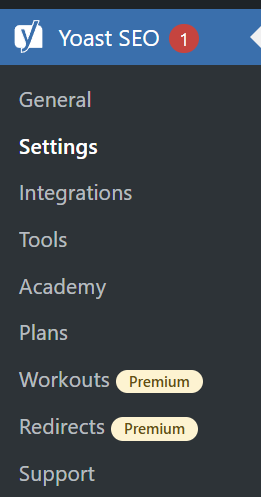
- Navigate to Yoast SEO > Settings in the admin side menu
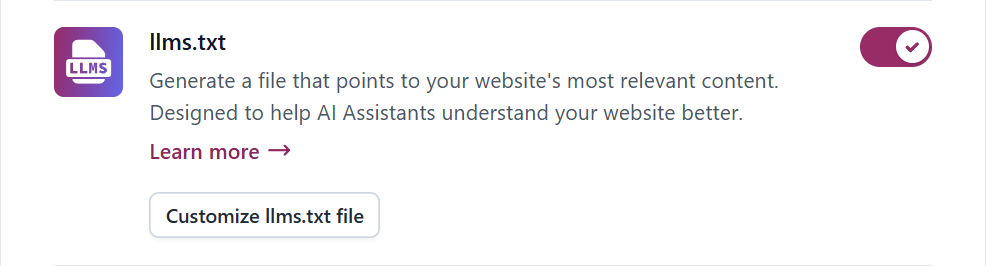
- Look for the llms.txt feature
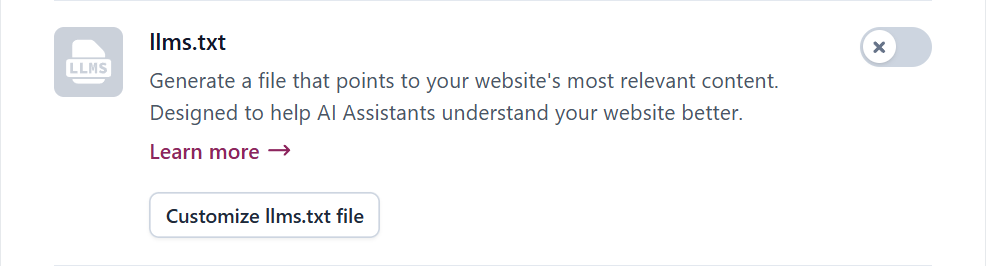
- Toggle the llms.txt feature off
The toggle will turn gray when disabled.
- Click the Save changes button
The button will appear on the bottom of the screen only if unsaved changes are pending.
References
- How to enable llms.txt with Yoast SEO (yoast.com) – Want your content to be visible to chatbots? With the Yoast SEO llms.txt feature, you can offer LLMs a preview of your website, highlighting your most important, up-to-date content. This feature makes your website easier for AI models to understand by generating an llms.txt file through Yoast SEO. In this article, we’ll explain step-by-step how you can enable the Yoast SEO llms.txt feature.

 You are free to share and adapt this content for any purpose as long as you give appropriate credit in a reasonable manner.
Leave a Reply