
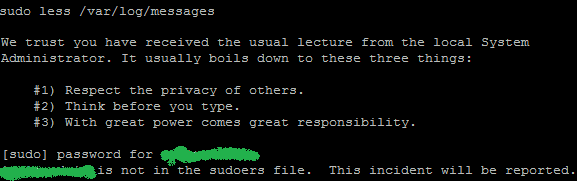
By default, the admin user for your GoDaddy VPS is not permitted to run sudo commands. If you attempt to run a sudo command, you will get something like the following error:
user is not in the sudoers file. This incident will be reported.
You can enable sudo commands through your GoDaddy dashboard. You can also disable sudo commands for extra protection when no longer needed.
Instructions
- Sign into your GoDaddy account and go to your My Products page
The direct link is https://account.godaddy.com/products
- Expand the Servers section and click Manage next to your VPS
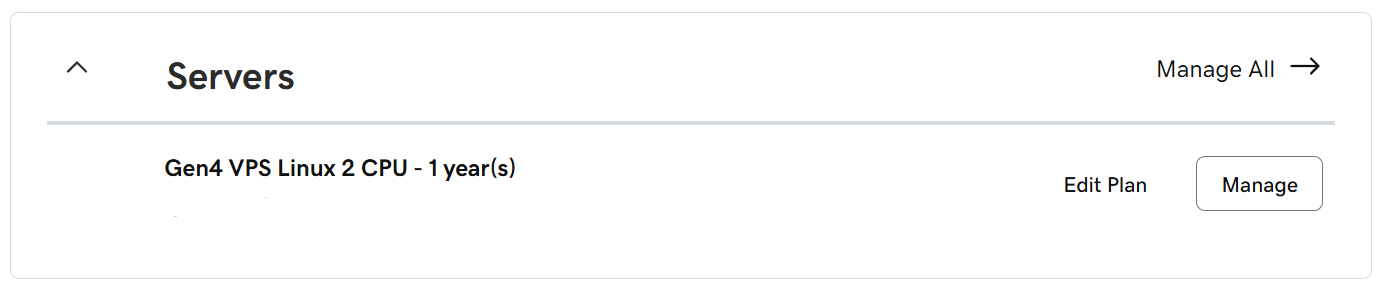
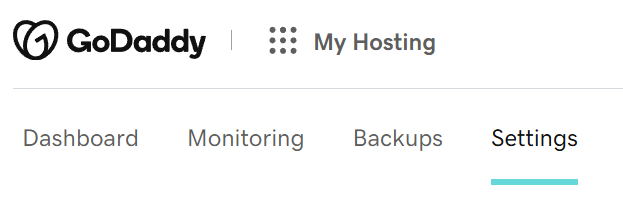
You will then be brought to the dashboard for your VPS. - Click the Settings tab on top of the page
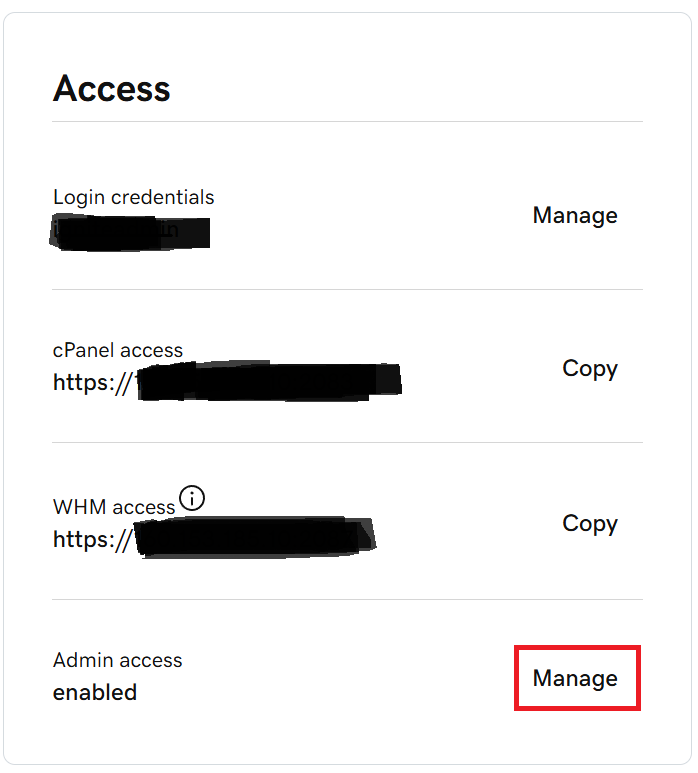
- Click the Manage button next to Admin access
- Enable or disable admin access, and then click Save
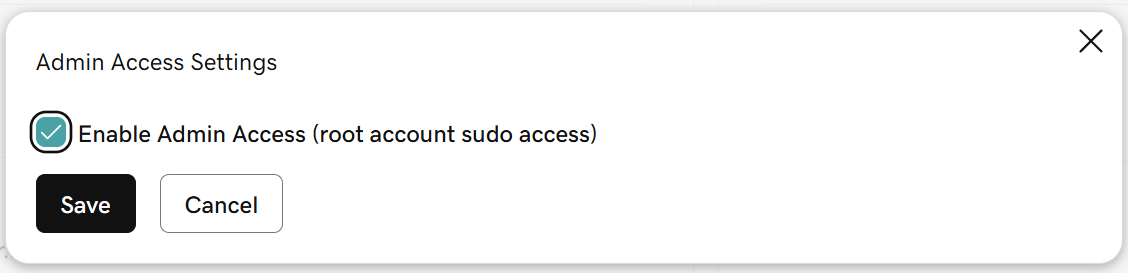
- Confirm the setting
Connect to your server with SSH and attempt a sudo command.
References
- Enable root or admin access to my VPS Hosting | VPS Hosting – GoDaddy Help US – Here’s how to enable root (sudo or substitute/super user) access to your managed or fully managed VPS Hosting. You might need this kind of access to install applications or make high-level changes to your server configuration.

 You are free to share and adapt this content for any purpose as long as you give appropriate credit in a reasonable manner.
Leave a Reply